

In today’s fast-paced world, finding moments of peace and stillness can be difficult. Fortunately, meditation apps on Android offer an accessible solution to calm the mind, reduce stress, and improve overall well-being. Whether you’re a beginner or a seasoned practitioner, these apps provide tools to help cultivate mindfulness anytime and anywhere.
What Is a Meditation App?
A meditation app is a digital platform designed to guide users through various types of meditation practices. These apps can offer everything from short breathing exercises to in-depth guided meditations. Typically, meditation apps come with features like session timers, progress tracking, and reminders to help you build and maintain a consistent meditation habit. Some apps even include calming soundscapes, music, and mindfulness challenges to deepen the experience. For those looking to boost their mental clarity, focus, and emotional health, a meditation app on your Android device is a valuable tool.
Benefits of Using Android Apps for Meditation
Meditation apps on Android bring several benefits to users, making it easier to integrate mindfulness practices into everyday life. Here’s why using one can be a game-changer:
Builds a Consistent Daily Practice
Consistency is key when it comes to meditation. With a meditation app, you can easily set daily reminders, track your progress, and maintain your streak. Whether it’s a morning ritual or an evening wind-down, these apps ensure that meditation becomes a part of your routine. This daily practice can help you develop a habit of mindfulness, which will pay off in the long run.
Offers Guided Sessions for Beginners
For those new to meditation, having someone guide you through the process can be incredibly helpful. Many apps offer guided sessions, walking you through different techniques and offering tips along the way. This is perfect for beginners who might feel overwhelmed or unsure about how to meditate effectively.
Tracks Progress and Mindfulness Goals
Most meditation apps allow users to track their progress. By logging your sessions, you can see how often you meditate and notice any improvements over time. Additionally, apps can set and track mindfulness goals, like increasing your session length or improving your focus. This feature provides motivation and insight into your mental wellness journey.
Makes Meditation Accessible Anywhere
One of the best parts about meditation apps is that they bring mindfulness practices right to your phone, making them accessible at any time. Whether you’re at home, at work, or on the go, you can engage in a meditation session whenever you need it most. This flexibility is especially beneficial for busy individuals who struggle to find time for relaxation and self-care.
Types of Meditation Supported by Android Apps
Meditation apps offer a variety of practices to help users find the best fit for their needs. Some of the most popular types of meditation available on these apps include:
Guided Mindfulness Meditation
Mindfulness meditation focuses on paying attention to the present moment, without judgment. It’s designed to help you become more aware of your thoughts, feelings, and surroundings. Guided mindfulness sessions typically involve a narrator or instructor who leads you through techniques like deep breathing and body scans, helping you center your mind and alleviate stress.
Breathing Exercises and Breathwork
Breathing exercises are a key part of many meditation practices. They help activate the parasympathetic nervous system, which calms the body and reduces stress. Android apps often feature guided breathing exercises that encourage slow, deep breaths to bring your mind back into focus. Whether you’re looking to reduce anxiety or improve concentration, breathwork is a simple yet effective tool.
Body Scan and Progressive Relaxation
Body scan meditations encourage you to focus on each part of your body, from head to toe, bringing awareness and relaxation to each area. Progressive relaxation techniques, on the other hand, involve tensing and releasing muscle groups to promote relaxation. These meditations can be great for relieving tension and improving body awareness.
Sleep and Bedtime Meditation
If you struggle with falling asleep, bedtime meditation can be incredibly helpful. These sessions typically feature calming sounds, gentle guidance, and techniques designed to relax your mind and body before sleep. Meditation apps often include specific sections for sleep, making it easier to transition from an active day to a restful night.
Walking and Movement Meditation
Walking meditation is a form of mindfulness that combines physical movement with mental presence. Some apps offer audio instructions for walking meditation, helping you stay present and focused as you move. This practice can be beneficial for individuals who find it difficult to sit still during traditional meditation.
Loving-Kindness and Gratitude Practices
Loving-kindness (also known as Metta meditation) involves cultivating compassion and positive feelings toward yourself and others. Apps often include guided sessions where users are encouraged to silently wish well-being, happiness, and peace for others. Gratitude meditation also helps shift focus toward positive emotions, reminding us of what we’re thankful for.
How to Choose the Right Meditation App for You
With so many meditation apps available, choosing the right one can be overwhelming. Here are some factors to consider when selecting an app that suits your needs:
Define Your Meditation Goals
Before choosing an app, think about what you want to achieve with meditation. Are you looking to reduce stress, increase focus, or improve sleep? Different apps cater to different goals, so having a clear idea of what you want will help narrow down your choices.
Look for Beginner-Friendly Features
If you’re new to meditation, opt for an app that offers beginner-friendly features. Look for apps that provide guided sessions, tips, and easy-to-understand instructions. If you’re unsure, you can also explore beginner-focused apps like the ones featured in Best Focus Apps.
Check Session Length and Flexibility
Consider how much time you can realistically dedicate to meditation each day. Some apps offer sessions that range from just a few minutes to longer, in-depth practices. Look for an app that allows you to customize session lengths, so you can adjust them according to your schedule.
Compare Free vs. Premium Plans
Many meditation apps offer both free and premium plans. The free versions often include basic features, while premium plans unlock additional content, features, and customization options. Be sure to compare the features available in each plan to ensure you’re getting the best value for your needs. For a deeper look at what free plans typically include, see our post on Financial Apps.
Read User Reviews and Ratings
Reading user reviews and ratings can provide valuable insight into the app’s effectiveness, user experience, and overall quality. Look for apps with consistently positive feedback, and avoid those with too many complaints or technical issues.
Top Android Apps for Meditation in 2026
With so many options available, it can be tough to pick the right meditation app. Here are some of the top-rated Android apps for meditation in 2026:
Headspace
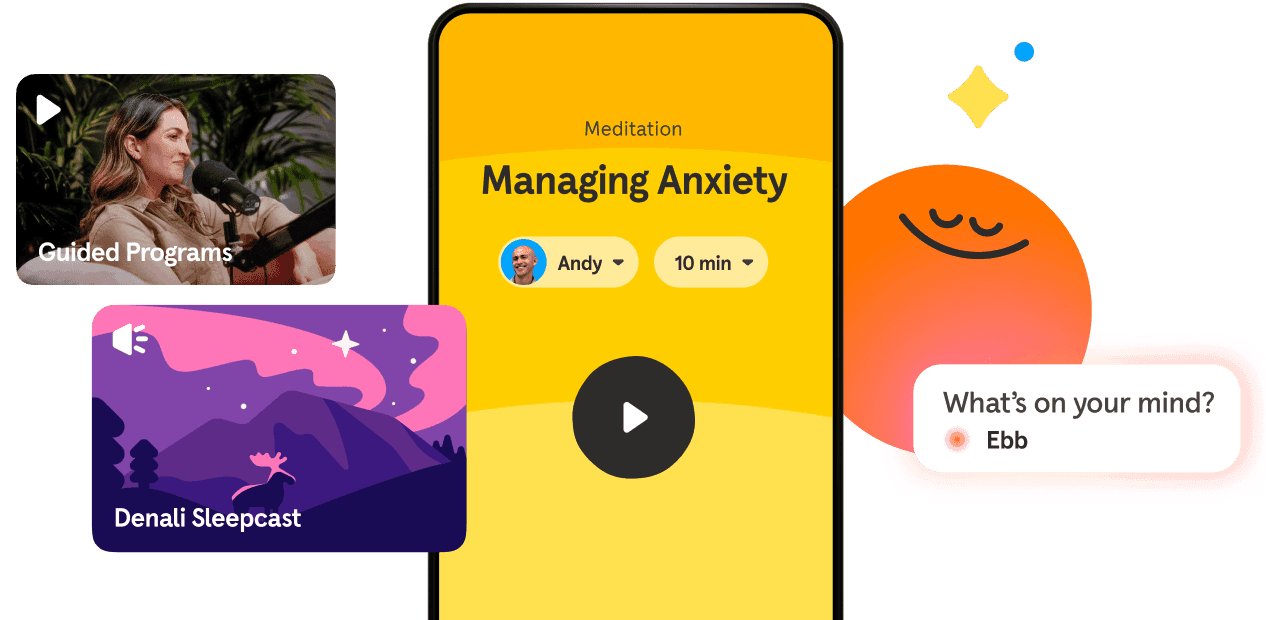
Headspace is one of the most popular meditation apps, offering a wide range of guided sessions for beginners and advanced users alike. The app provides techniques for reducing stress, increasing focus, and improving sleep.
Calm
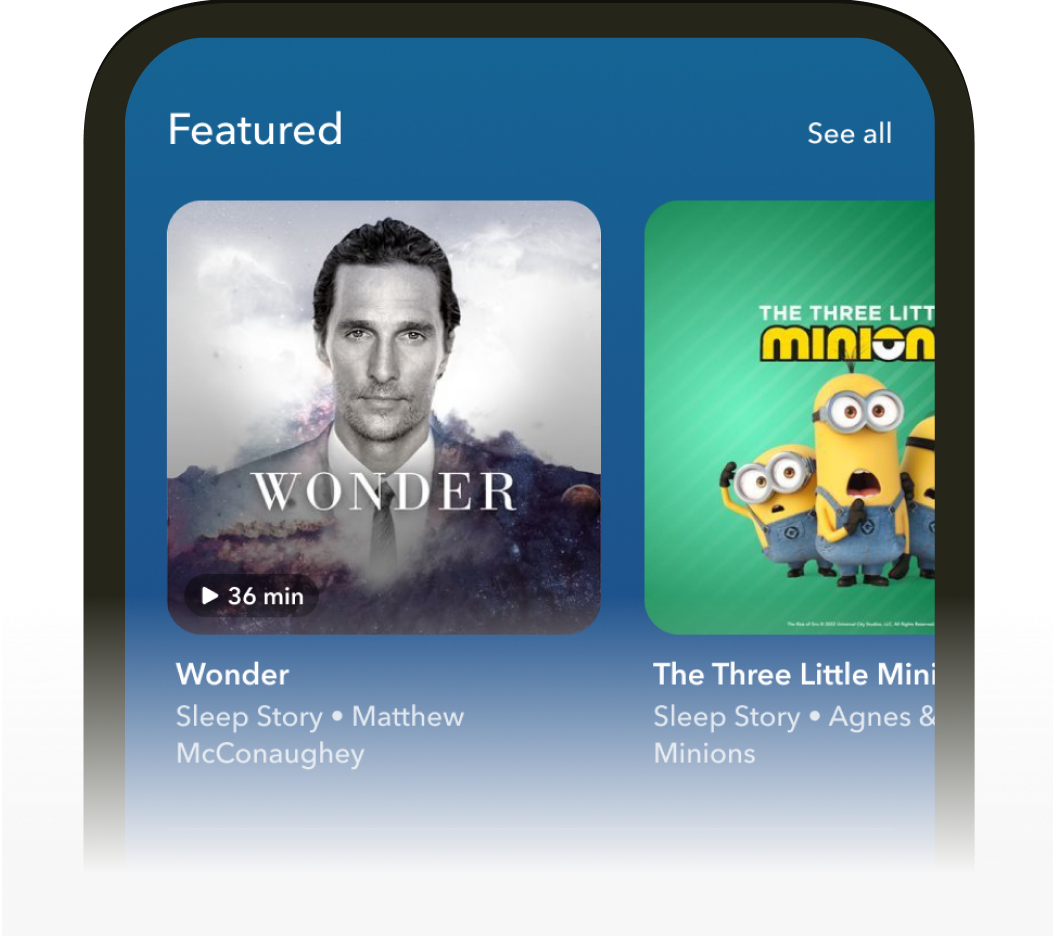
Calm is another well-known meditation app that features a variety of meditation styles, including mindfulness, sleep stories, and breathing exercises. The app also offers relaxing music and soundscapes to create a peaceful atmosphere.
Insight Timer
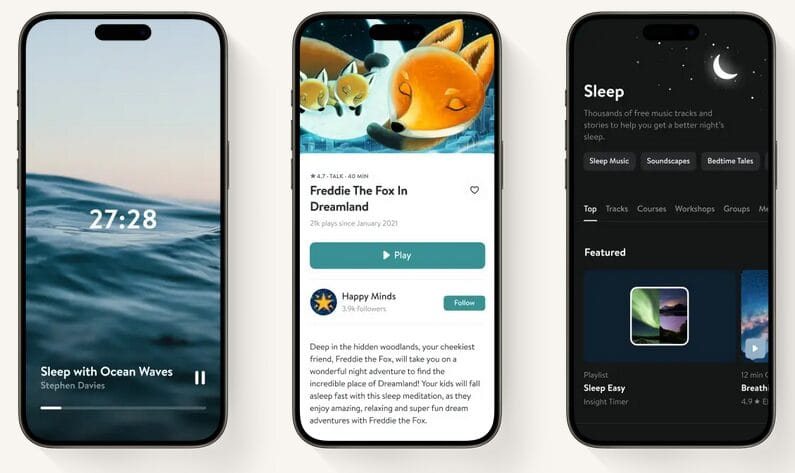
Insight Timer is a free meditation app with a vast library of guided sessions, music, and soundscapes. It’s ideal for those who prefer flexibility and variety in their meditation practices.
Balance
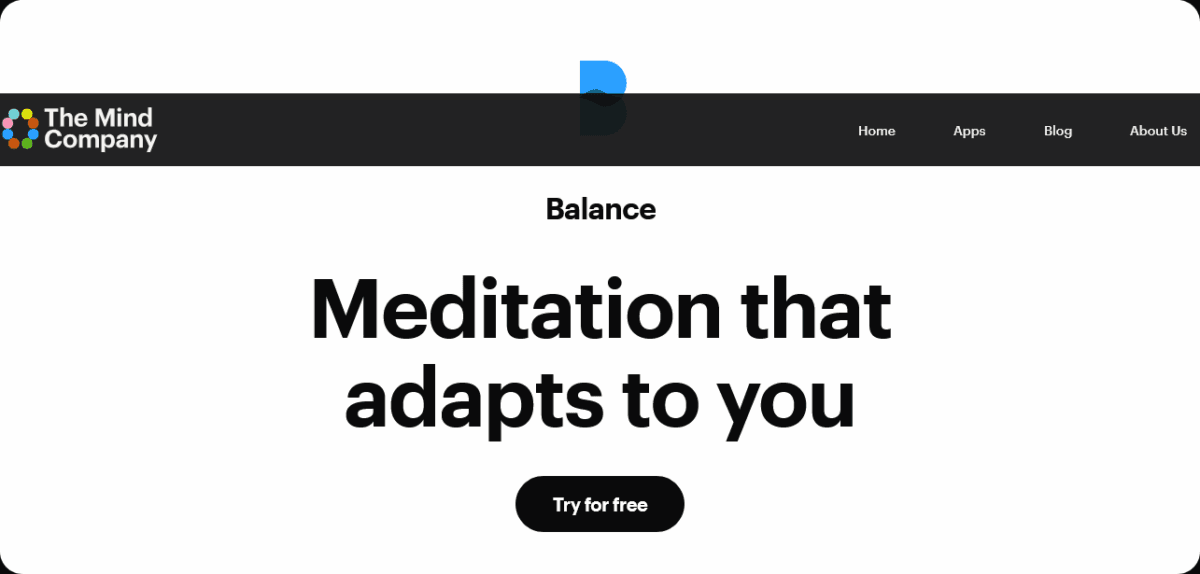
Balance offers personalized meditation sessions based on your goals and preferences. The app uses a unique approach to help you cultivate mindfulness, improve focus, and reduce stress.
Waking Up by Sam Harris
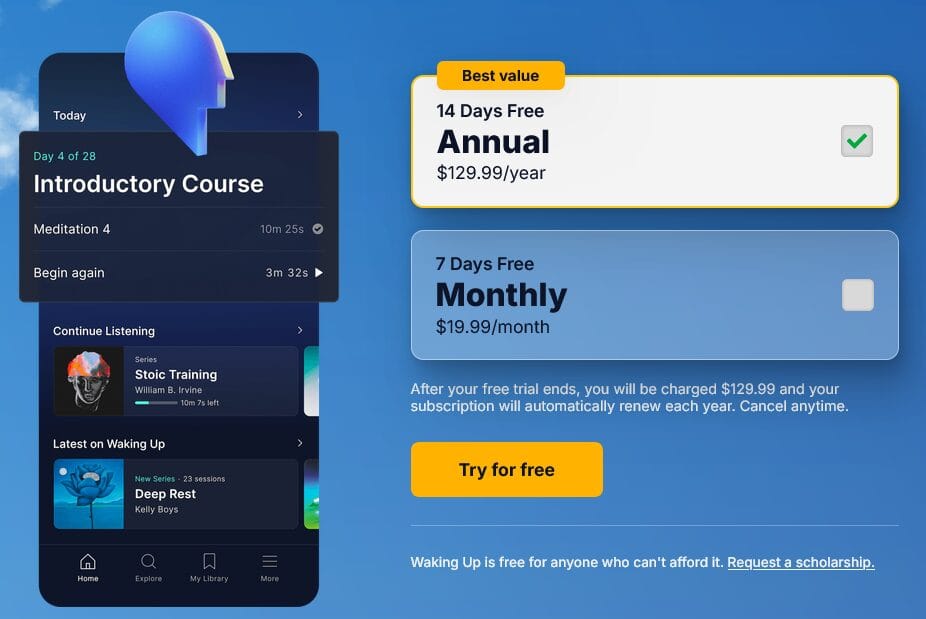
Created by Sam Harris, Waking Up offers in-depth courses on mindfulness, meditation, and philosophy. This app is perfect for individuals looking for a deeper, more intellectual approach to meditation.
Plum Village
Plum Village, founded by Thich Nhat Hanh, offers mindfulness meditations based on his teachings. The app includes guided sessions focused on mindfulness, love, and compassion.
Smiling Mind

Smiling Mind is a great app for younger audiences and beginners. It features meditation programs designed to improve emotional well-being and mental health.
Key Features to Look for in a Meditation App
When choosing a meditation app, it’s important to find one with features that meet your needs. Some of the key features to look for include:
Personalized Session Recommendations
A good meditation app should offer personalized session recommendations based on your preferences and goals. This helps tailor your practice to your unique needs.
Offline Access and Downloads
Offline access is an essential feature for meditation apps, allowing you to download sessions and listen to them without an internet connection.
Habit Reminders and Streak Tracking
Tracking your progress and maintaining a streak can be a powerful motivator. Look for apps that include reminders and progress tracking features.
Calming Soundscapes and Background Audio
Many meditation apps offer calming soundscapes and background audio, such as nature sounds or ambient music, to enhance the relaxation experience.
Community and Social Features
Some meditation apps feature community groups or social elements where you can connect with others on a similar mindfulness journey. These features can provide support and encouragement as you meditate.
How to Build a Meditation Habit with an Android App
Building a meditation habit requires consistency and commitment. Here are a few tips to help you get started:
Start with Short Daily Sessions
If you’re new to meditation, start with short sessions (5-10 minutes) to ease into the practice. Gradually increase the duration as you become more comfortable.
Set a Consistent Time and Place
Meditating at the same time and place each day helps reinforce the habit. Try setting aside a quiet corner in your home or a peaceful spot outdoors.
Use Reminders and Notifications
Set daily reminders to ensure that you meditate consistently. Many apps offer notifications to prompt you to take a break and meditate.
Track Your Streaks and Celebrate Milestones
Many meditation apps include streak tracking, which allows you to celebrate milestones and see your progress over time. This can be a great way to stay motivated.
Free vs. Paid Meditation Apps: What’s Worth It?
Many meditation apps offer both free and premium options, each with its own set of features. Here’s a breakdown of what you can expect:
What Free Versions Typically Include
Free versions of meditation apps typically include basic guided sessions, a limited number of features, and access to standard soundscapes. These are great for beginners who want to dip their toes into meditation without making a financial commitment.
What Premium Subscriptions Unlock
Premium subscriptions typically unlock additional features, such as extended session libraries, personalized recommendations, offline access, and advanced progress tracking. If you’re committed to building a regular meditation habit, investing in a premium plan might be worth it.
Best Free Options for Budget-Conscious Users
If you’re on a budget, apps like Insight Timer and Smiling Mind offer a wide range of free content. They provide ample resources for those just starting their mindfulness journey.
Tips for Getting the Most Out of Your Meditation App
Here are some practical tips to enhance your meditation experience:
Pair App Sessions with Journaling
Journaling after each session can help reinforce the lessons learned during meditation. Write down your thoughts, feelings, and any insights you gained.
Explore Different Meditation Styles
Experiment with different meditation styles to find what works best for you. Try mindfulness, body scans, or loving-kindness meditation.
Use Sleep and Wind-Down Features at Night
Many meditation apps offer sleep-related sessions that can help you wind down at the end of the day. Use these features to prepare your body and mind for restful sleep.
Revisit Favorite Sessions Regularly
Sometimes, revisiting a session you enjoyed can help deepen your practice. Try incorporating your favorite sessions into your routine for added consistency.
Common Mistakes Beginners Make with Meditation Apps
Here are some common mistakes to avoid when using a meditation app:
Skipping Sessions After Missing a Day
If you miss a session, don’t give up. Life happens, and skipping one session isn’t the end of the world. Just get back to your practice the next day.
Relying Only on the App Without Self-Practice
While apps are a helpful tool, it’s important to practice mindfulness off-screen as well. Try incorporating mindfulness into everyday activities.
Expecting Immediate Results
Meditation is a journey, not a quick fix. It takes time to notice significant improvements, so be patient and persistent.
Why Android Is a Great Platform for Meditation Apps
Android is a popular platform for meditation apps because it offers a wide range of devices with varying budgets, from entry-level phones to high-end models. This accessibility allows more people to benefit from mindfulness practices, regardless of their tech preferences or financial situation. Additionally, the open nature of the Android platform encourages developers to create innovative features, giving users a variety of options for their meditation needs.
Frequently Asked Questions
Are free meditation apps on Android effective?
Yes, free meditation apps on Android can be very effective, offering quality sessions that help reduce stress, improve focus, and enhance mindfulness. While premium apps often have more features, many free apps provide substantial value.
How many minutes a day should I meditate using an app?
Start with 5-10 minutes a day, gradually increasing the time as you become more comfortable. Consistency is key, so aim for daily practice, even if it’s for a short duration.
Can meditation apps really help with anxiety and stress?
Yes, meditation apps can help manage anxiety and stress by guiding users through techniques like mindfulness, deep breathing, and relaxation exercises.
What is the best meditation app for complete beginners?
Apps like Headspace, Calm, and Insight Timer are great for beginners, as they offer guided sessions, tips, and easy-to-follow instructions.
Do meditation apps work without an internet connection?
Many apps offer offline functionality, allowing you to download sessions and meditate without needing an internet connection.
Are meditation apps safe for children and teens?
Yes, many meditation apps offer content tailored for children and teens, helping them develop mindfulness skills early on.
How do meditation apps compare to in-person classes?
While in-person classes offer personal interaction and feedback, meditation apps provide the flexibility of practicing anywhere and at any time. Apps can also offer a variety of sessions and techniques that suit different needs.
Can I use a meditation app alongside therapy?
Yes, meditation apps can complement therapy by helping manage stress and anxiety. They can also provide additional mindfulness practices between therapy sessions.
What’s the difference between Headspace and Calm?
Both apps offer meditation and mindfulness content, but Headspace focuses more on structured courses, while Calm provides a variety of soundscapes and sleep stories.
How long does it take to see benefits from app-based meditation?
You may start to feel calmer and more focused after a few sessions, but it usually takes a few weeks of regular practice to notice long-term benefits.