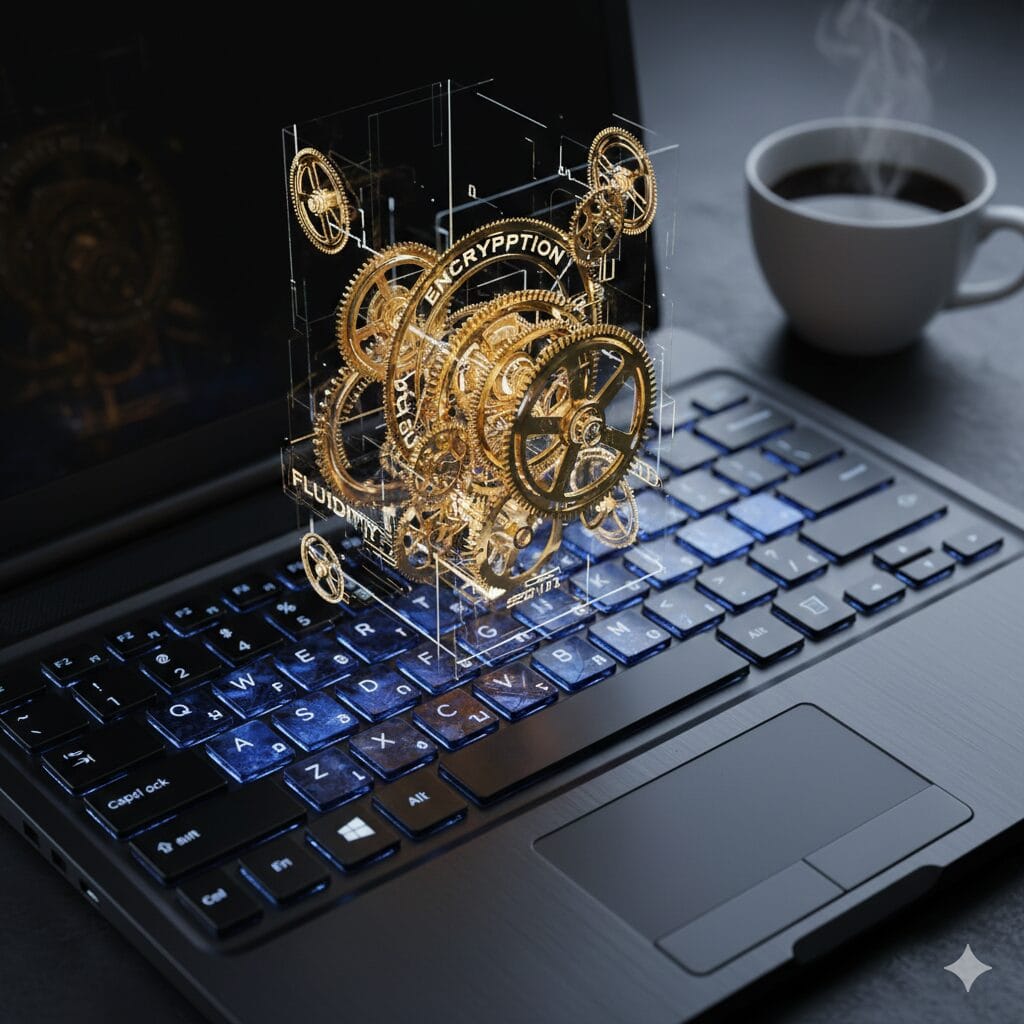
As we step into 2026, it’s no longer enough to merely have a computer. You need a powerhouse—something that does more than just get you through the day. The right apps can amplify your productivity, protect your personal data, and turn your PC into a tool that works smarter, faster, and more intuitively than ever. Whether you’re a creative professional, a digital nomad, or just someone who wants a smoother, more efficient computing experience, the Apps you choose to download today will shape your digital life tomorrow.
Why 2026 Is the Year to Transform Your Windows PC
The digital world is shifting faster than we can sometimes keep up. And 2026 isn’t just another year; it’s a tipping point. It’s the year that apps are transforming from static tools into intelligent companions that adapt to your needs in real time. We’re talking about apps that don’t just work—they think. They learn, they evolve, and they integrate with the rest of your digital ecosystem in ways that make life easier, not harder. So, if you haven’t updated your essential apps in a while, now’s the time. Here’s what’s driving the change:
- AI-Powered Assistance: Imagine an app that doesn’t just respond to your commands, but anticipates your needs before you even ask. From smart assistants that automate tasks to tools like Notion and Zapier, which know your workflow intimately, the power of AI is becoming indispensable. These aren’t just productivity apps—they’re productivity partners.
- Enhanced Security: Cybersecurity threats have evolved, and so have the tools to protect us. Apps like Bitdefender and Norton go beyond simple virus detection; they predict, adapt, and respond to new threats in real time, keeping you one step ahead of potential dangers.
- Cross-Device Synchronization: If you’re constantly moving between devices, you need your apps to keep up. From Google Drive to OneDrive, the best apps of 2026 work seamlessly across platforms—ensuring that no matter where you are, you’re always connected.
- Cloud-Native Solutions: More and more, the best tools are leaving behind traditional software installations and embracing the cloud. This allows for greater flexibility, easy collaboration, and better access to your files wherever you are. Dropbox, Evernote, and other cloud-native apps ensure you’re never weighed down by storage limits or device-specific barriers.
In 2026, it’s not just about upgrading your apps—it’s about upgrading your entire experience.
Enhance Your Productivity with the Best Windows Apps
Productivity is no longer just about working harder—it’s about working smarter. In 2026, your PC can do so much more than open files and run programs. With the right apps, it can become a seamless extension of your brain, helping you stay organized, focused, and more efficient than ever before.
The Tools that Will Revolutionize Your Workflow
- Notion: If there’s one app that defines modern productivity, it’s Notion. A customizable workspace that combines notes, tasks, databases, and more, it’s an all-in-one tool that adapts to how you think. Whether you’re a solo worker or part of a team, Notion integrates everything you need in one place, from detailed project plans to daily to-dos. It’s more than just an app—it’s the foundation of your productivity ecosystem.
- Todoist: Simple yet incredibly effective, Todoist transforms the way you manage tasks. Using natural language processing, it helps you organize your to-do list with just a few words—“Email Sarah tomorrow at 2 PM” becomes a perfectly scheduled task. No more remembering deadlines or juggling multiple lists; Todoist does it all for you.
- Trello: If you love visual organization, Trello is your new best friend. With its intuitive boards, lists, and cards, you can map out entire projects visually, making it perfect for collaboration. Whether you’re planning a marketing campaign or managing personal projects, Trello brings order to chaos with minimal effort.
AI at Your Service: Automation That Saves Time
Automation is no longer a luxury—it’s a necessity. Imagine setting up workflows that run on autopilot, freeing up your time for the things that truly matter. Here’s how AI is reshaping the way we work:
- Zapier: It’s like having your own personal assistant that can connect your apps and automate repetitive tasks. Need to save every email attachment to Google Drive? Zapier can do that for you—no clicks required.
- IFTTT (If This Then That): Whether you’re automating your smart home or streamlining business tasks, IFTTT offers a simple, powerful way to create automated workflows between your favorite apps. The best part? It’s free, and it works with nearly every app out there.
Secure Your Windows PC with Advanced Security Apps
In today’s digital age, security isn’t just a feature—it’s a priority. With increasing cyber threats, your personal data, private communications, and financial information are all at risk. You can’t afford to trust basic security measures anymore. You need apps that protect you in real time, anticipate threats, and keep your digital life secure.
The Next Level of Protection
- Bitdefender Total Security: There’s a reason Bitdefender has earned a spot as one of the most trusted names in cybersecurity. It’s not just about blocking viruses; it’s about preventing threats before they even have a chance to attack. With AI-driven detection, Bitdefender can keep you safe from malware, ransomware, and even phishing attacks.
- Norton 360: As digital threats evolve, so too must our defenses. Norton 360 takes a multi-layered approach to security, offering everything from VPN protection to password managers, identity theft protection, and even dark web monitoring. It’s about creating a fortress around your data, no matter where you are.
Protecting Your Privacy
- Dashlane: Passwords are often the weakest link in our security chain. Dashlane helps strengthen that link with its secure password manager, which encrypts your data end-to-end. Plus, it generates strong, unique passwords for all your accounts, so you never have to worry about hacking attempts again.
- ProtonVPN: For those who prioritize privacy above all else, ProtonVPN is a must. It ensures that your online activity remains encrypted, making it impossible for anyone to track what you’re doing on the web. Whether you’re working on public Wi-Fi or just want to stay anonymous, ProtonVPN has your back.
Supercharge Your Creativity and Design with Top Apps
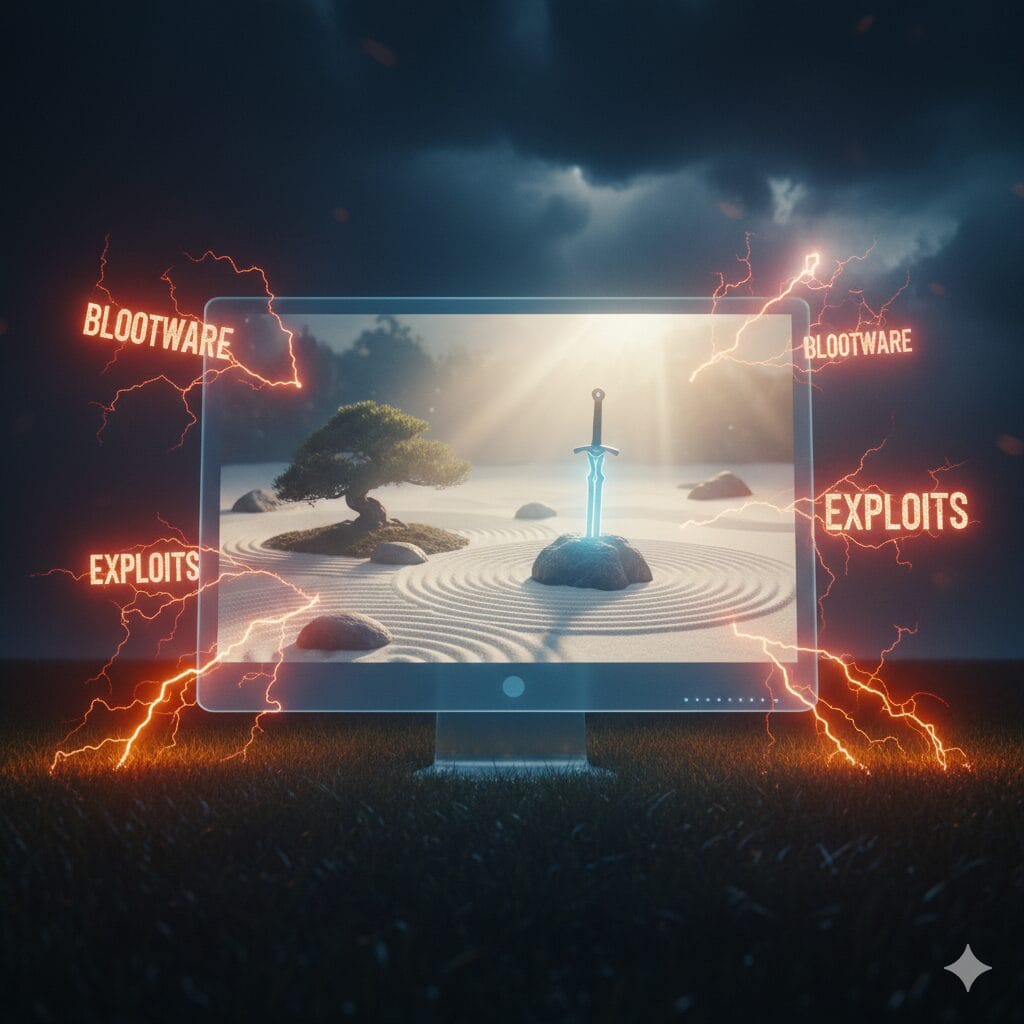
Creativity is about freedom—the freedom to explore, express, and produce. But even the most talented creators need the right tools to bring their visions to life. Whether you’re designing a logo, editing a video, or creating a music track, these apps will elevate your work and help you reach new heights.
Unleashing Your Creative Potential
- Adobe Creative Cloud: This is the ultimate suite for creatives. Whether you’re a graphic designer, video editor, or digital artist, Adobe Creative Cloud has everything you need. From Photoshop to Illustrator, Premiere Pro to After Effects, these apps provide powerful tools for any creative project. And with the cloud syncing your work, you can jump from your PC to mobile with ease.
- CorelDRAW Graphics Suite: For those looking for a more affordable option, CorelDRAW is an exceptional alternative to Adobe. With its intuitive vector illustration tools, CorelDRAW is perfect for logo design, product packaging, and other graphic design work.
- DaVinci Resolve: If video editing is your craft, DaVinci Resolve is the gold standard for professionals. Known for its incredible color correction tools, Resolve combines high-end video editing features with an easy-to-use interface, allowing you to create stunning visuals without the steep learning curve.
Audio and Music Production
- FL Studio: Known for its powerful synthesizers and sound-shaping tools, FL Studio is a must for anyone involved in music production. Whether you’re producing electronic tracks or working on a full album, this app provides the flexibility and power to craft the perfect sound.
- Audacity: For those looking for a free, open-source audio editing tool, Audacity is a fantastic choice. It’s simple yet effective, offering features for recording, editing, and mixing audio tracks. Whether you’re a podcaster or a musician, Audacity is a reliable companion.
Optimize Your PC’s Performance with Essential Tools
A slow PC can be frustrating, especially when you’re trying to get things done. The good news is that with the right tools, you can give your PC the boost it needs to run at peak performance every day.
Speeding Up Your PC
- CCleaner: CCleaner has been a favorite for years, and for good reason. It’s simple, fast, and effective at cleaning out unnecessary files, freeing up valuable storage, and improving overall system speed. A quick run every so often will ensure your system stays lean and mean.
- Advanced SystemCare: For those looking for a more comprehensive system optimization tool, Advanced SystemCare is a great choice. It offers features like real-time system optimization, memory cleanup, and even startup management, all aimed at keeping your PC running at its best.
Monitoring Your PC’s Health
- HWMonitor: Want to know if your PC is overheating or running too hot? HWMonitor lets you monitor your hardware’s health in real time, showing you temperatures, voltages, and fan speeds so you can prevent any potential failures before they happen.
- MSI Afterburner: For gamers or power users, MSI Afterburner offers in-depth monitoring and overclocking features for your GPU, ensuring that your system is always running at maximum potential.
Products / Tools / Resources
If you’re ready to dive into 2026 with the best Windows apps by your side, here are the tools you’ll want to grab:
- Notion: Organize your tasks and projects effortlessly in a customizable all-in-one workspace.
- Todoist: A simple yet powerful task manager that helps you stay on top of everything.
- Trello: Organize projects visually with this intuitive board and card system.
- Bitdefender Total Security: Keep your PC safe with AI-powered antivirus and real-time threat detection.
- Dashlane: Protect your online passwords with this secure, encrypted password manager.
- Adobe Creative Cloud: The ultimate suite of creative apps for graphic designers, video editors, and artists.
- FL Studio: Produce professional-quality music with this powerful digital audio workstation.
- CCleaner: Keep your PC running smoothly by cleaning up unnecessary files and optimizing performance.