
Why Quality Video Editing Matters More Than Ever in 2026
Have you ever felt that creeping frustration as you’re trying to edit your latest masterpiece, only to be held back by a sluggish, outdated video editor? It’s like a wall between you and your creative potential, isn’t it?
The reality is, video editing is no longer just a task—it’s the heart of your content, the pulse that makes it come alive. In 2026, video quality is a game-changer. With HD and 4K videos now the standard, high-quality editing is no longer a luxury; it’s essential. Whether you’re crafting a captivating vlog, a tutorial, or a cinematic visual for social media, your audience can tell the difference between good and great editing—and so can the algorithms.
The stakes are high, and the quality of your content directly influences viewer retention. Think about it: a video shot in crystal-clear HD with beautiful transitions and sharp color grading is far more likely to grab attention and keep eyes glued to the screen than one that feels flat and rushed. You’ve got a split second to impress, and that moment hinges on the tools you use.
The Power of High-Quality Video Editing in Content Marketing
But here’s the kicker—high-quality videos don’t just make your content shine, they help it get discovered. Video SEO is a critical piece of the puzzle. Platforms like YouTube and TikTok rank videos based on their engagement metrics, and guess what? Videos that look and sound better are far more likely to be shared, commented on, and pushed higher in the feed.
It’s a domino effect: great content attracts more viewers, which in turn leads to more views, shares, and better ranking. That’s why picking the right video editing app doesn’t just impact the quality of your videos—it impacts your visibility and growth as a creator. So, if your current app isn’t up to par, it’s time for an upgrade.
The Best High-Quality Video Editing Apps for Creators in 2026
Let’s get into the good stuff. There’s no shortage of video editors out there, but not all are built the same. Some cater to professionals, offering every conceivable tool, while others prioritize simplicity and speed, ideal for creators looking to whip up content on the fly.
For the Pros: Advanced Tools for High-End Editing
If you’re serious about your craft, you need a tool that can keep up. Adobe Premiere Pro is the heavyweight champion here. With features like multi-cam editing, color grading, and an array of sound design options, it’s a tool that’ll make you feel like a pro. But it’s not just about what it can do—it’s about how it can help you tell your story with precision. The learning curve is steep, but if you’re willing to climb it, the payoff is immense.
And for the Mac users out there, Final Cut Pro X offers a streamlined, yet powerful alternative. It’s sleek, intuitive, and boasts a magnetic timeline that’s as easy to navigate as it is powerful. It’s perfect for those who want professional-quality videos without the mess.
For the Creators on a Budget: Professional Quality Without the Price Tag
Not every creator has the budget for Adobe or Final Cut. But don’t worry—there’s a whole world of free and affordable options that pack a serious punch.
Take DaVinci Resolve, for example. It’s a free powerhouse, beloved by creators for its superior color correction and audio editing tools. For those who want to get a feel for the professional editing world without breaking the bank, DaVinci offers an incredible amount of control without the learning curve of more expensive tools.
Then, there’s HitFilm Express—another budget-friendly gem that gives you access to high-quality VFX and editing tools. Whether you’re adding some flair to your YouTube intros or diving deep into special effects for a short film, it’s a fantastic choice.
On the Go: Mobile Video Editors That Don’t Compromise on Quality
For the creators who are always on the move, mobile video editing apps are a game-changer. Sure, the small screen and touch controls may seem limiting at first, but the right app can unlock a whole new level of creativity.
InShot is perfect for quick, social-media-ready edits. It’s fast, intuitive, and gives you the tools to create engaging content for platforms like Instagram or TikTok. But if you’re looking for something with a little more depth, Kinemaster has you covered. With multi-layer editing, seamless transitions, and audio control, you can make videos that stand out even on a tiny screen.
What Makes a High-Quality Video Editing App Stand Out?
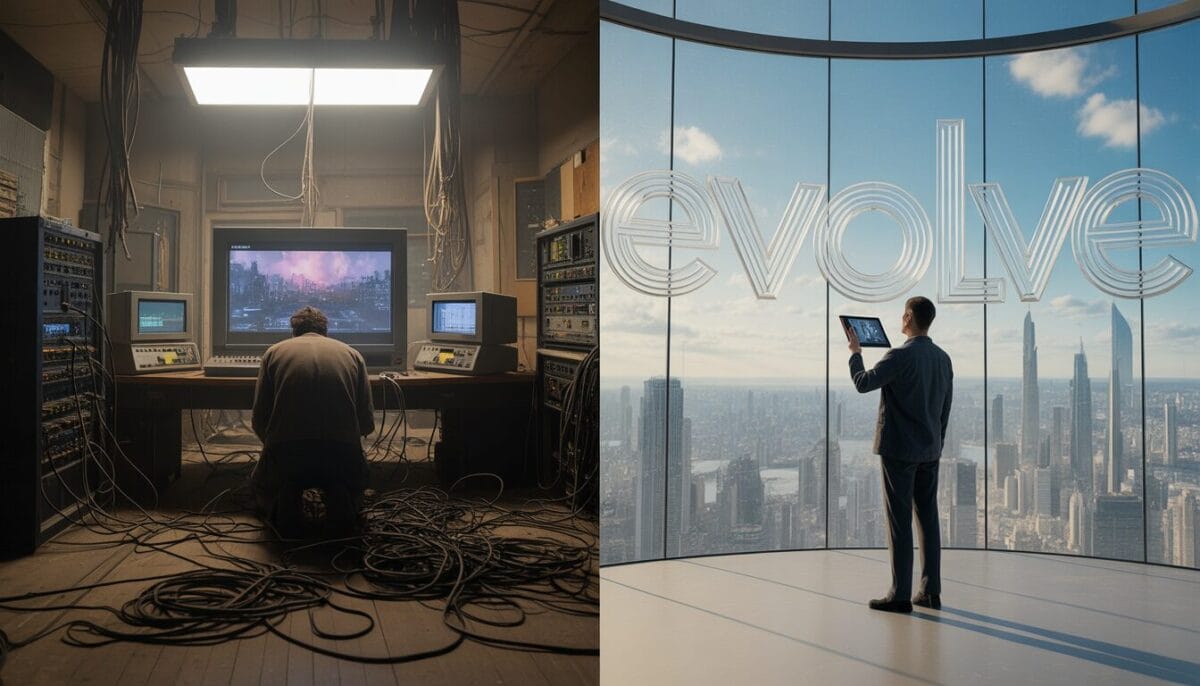
It’s not just about being able to cut and splice clips. A truly great video editing app will have the right balance of features that elevate your content without feeling overwhelming. Let’s break it down:
Multi-Layer Editing: The Key to Complex Projects
If you’re creating anything more complex than a simple video, you’ll need a tool that can handle multi-layer editing. This is essential for projects like music videos, vlogs, or documentaries—anything with multiple audio tracks, video layers, or effects. An editor that supports multi-layer editing makes it easier to control the flow and timing of your video.
Color Grading: Setting the Mood
One of the easiest ways to take your video from ordinary to extraordinary is with color grading. Whether you’re going for a dark, moody look or a bright, vibrant aesthetic, a high-quality video editor will give you the tools to transform your footage with professional-level color correction and LUTs (look-up tables). It’s all about adding that extra layer of artistry.
Real-Time Previews: Speed and Efficiency
When you’re in the zone, the last thing you want is to wait around for edits to render. Real-time previews let you see the changes you’re making on the fly, speeding up the entire editing process. It’s all about keeping the creative flow uninterrupted.
Export Settings That Make a Difference
Not every platform is the same. A great video editor will let you export your videos with settings that are optimized for YouTube, Instagram, TikTok, and more. Whether it’s aspect ratios, frame rates, or compression settings, making sure your video looks good across all platforms is key to getting it seen.
How to Choose the Right Video Editing App for You
So, how do you choose the right tool for your editing needs? Start by asking yourself: What’s your editing goal? Are you creating short-form videos for social media? Or long-form content like vlogs, tutorials, or documentaries?
Feature Alignment with Your Content Goals
If you’re an influencer or brand building on social platforms, you’ll want an app that makes it easy to add text overlays, transitions, and animations. If you’re a filmmaker or serious content creator, you’ll likely want a more robust tool with advanced features like color grading and multi-cam editing.
What’s Your Budget?
The price tag is an important factor. Free apps like DaVinci Resolve are great if you’re just getting started or experimenting. But if you’re committed to creating content at a professional level, investing in tools like Adobe Premiere Pro or Final Cut Pro X might be worth the cost in the long run.
Products / Tools / Resources
If you’re ready to level up your video editing game, here are some of the best tools and apps to check out:
- Adobe Premiere Pro: The industry-standard editing software for pros who want total control over their projects.
- Final Cut Pro X: A sleek, powerful option for Mac users who need professional-grade editing tools.
- DaVinci Resolve: A free, high-quality video editor with top-tier color grading and audio editing features.
- HitFilm Express: A budget-friendly option for creators who want access to VFX and professional editing tools.
- InShot: A mobile app perfect for quick edits and social media content.
- Kinemaster: A mobile app with more advanced features, including multi-layer editing and audio controls for detailed work on the go.
Now, the only thing standing between you and your next viral video is the right tool. The question is, which one will you choose?